


A little green hero with wings
Marker on paper → figurine
Upload a drawing, review two previews, then decide whether to order.
Lay the drawing flat in soft daylight and photograph the whole page. Any medium works: crayon, marker, pencil or paint. PNG, JPEG or WebP up to 10 MB.
How to photograph your drawing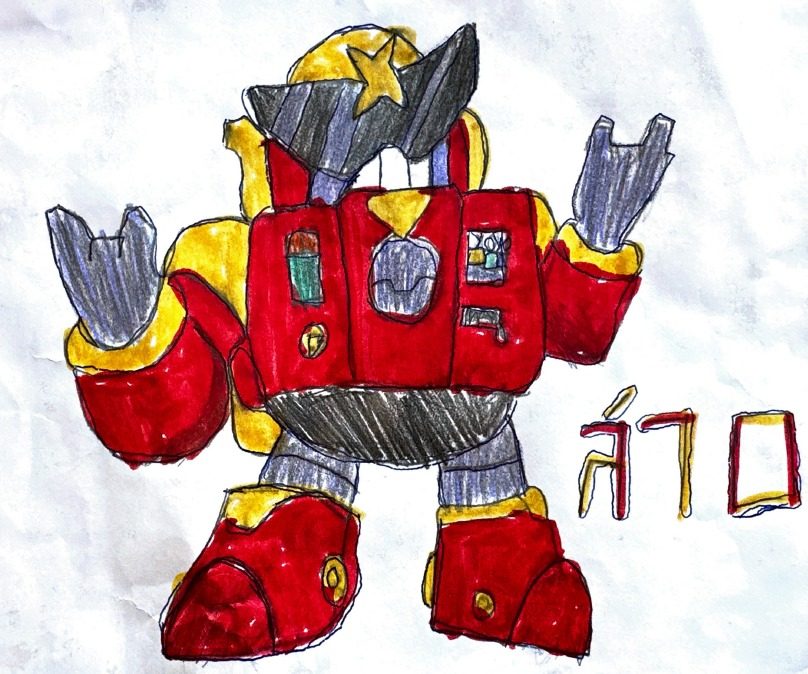 The drawing
AI generates an image showing one interpretation of your drawing as a figurine. Compare it with the original before approving. Depth, colours and small details may differ.
Check the details in your preview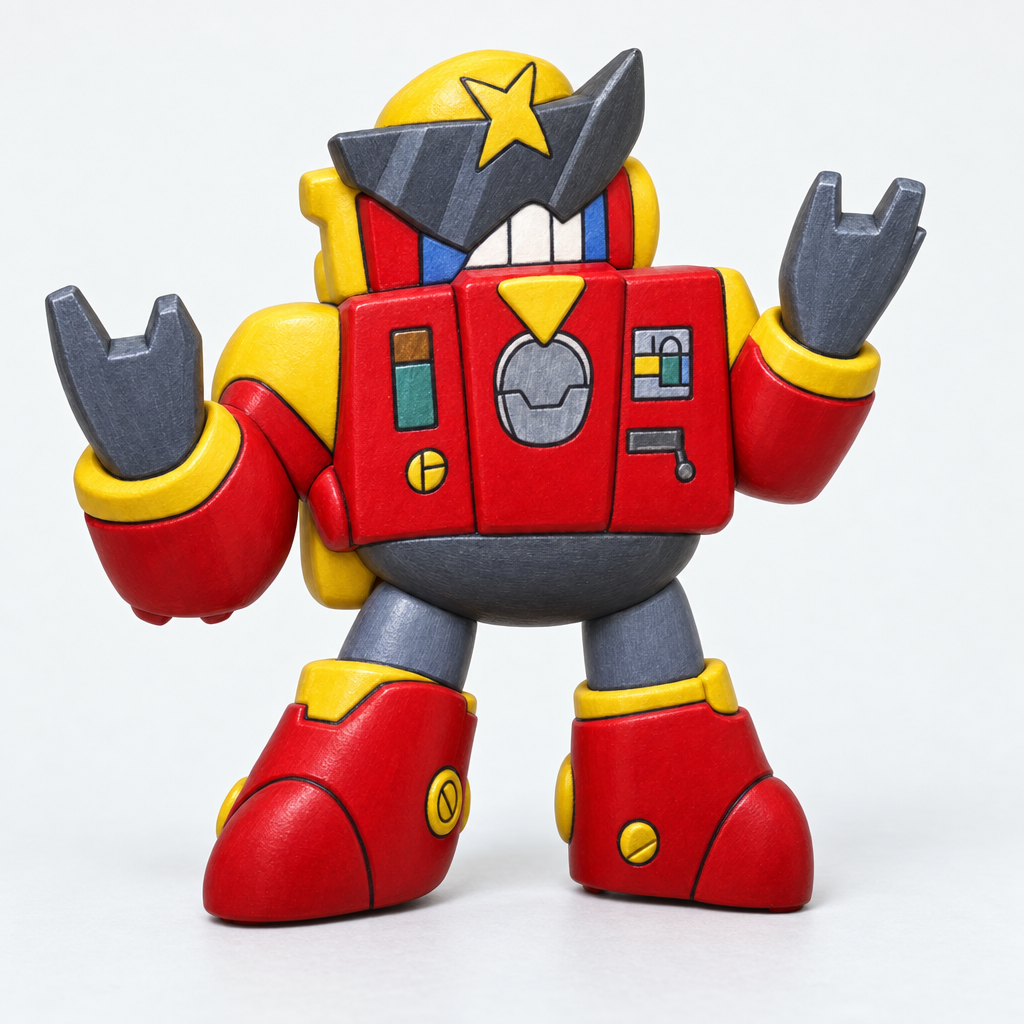 The image preview
Choose Mini, Classic or Jumbo before the 3D model is generated. The sizes and prices are below; the total is confirmed at checkout.
Compare heights and pricesTurn the model around, look at the back and zoom in. The 3D model can differ from the image preview, so check both before approving the design for checkout. The viewer here is an example.
Use the 3D preview checklist
After payment, the design goes to production review. Geometry, scale and printability are checked before printing. If an adjustment is needed, we contact you before proceeding.
What the production check meansCompare each drawing with its figurine interpretation.
Marker on paper → figurine


Felt-tip on a sketchbook → figurine
These are examples. Your image and 3D previews are the place to check how your own drawing has been interpreted.
Short answers about previews and approval.
All the good-to-know answersA flat drawing leaves the back, depth and thickness open to interpretation. Colours, shapes and small details can change in the previews or during printing. Compare both previews with your drawing before approving, and contact us if a detail needs attention. Use our image and 3D preview checklist to compare the details.
No. Review the image and 3D previews before continuing to checkout. Payment happens at checkout.
Then you simply don’t continue. Nothing is made and nothing is charged until you approve a design and check out.
Approval confirms your design choice. A production review still checks geometry, scale and printability before anything is made. Read what happens during the production check.
 Start with a drawing
Upload one clear drawing. Review the image and 3D previews before deciding to order.
Start a preview