
After checkout: the figurine production check
What design approval means, what the workshop checks, and how to ask about a change or a deadline.
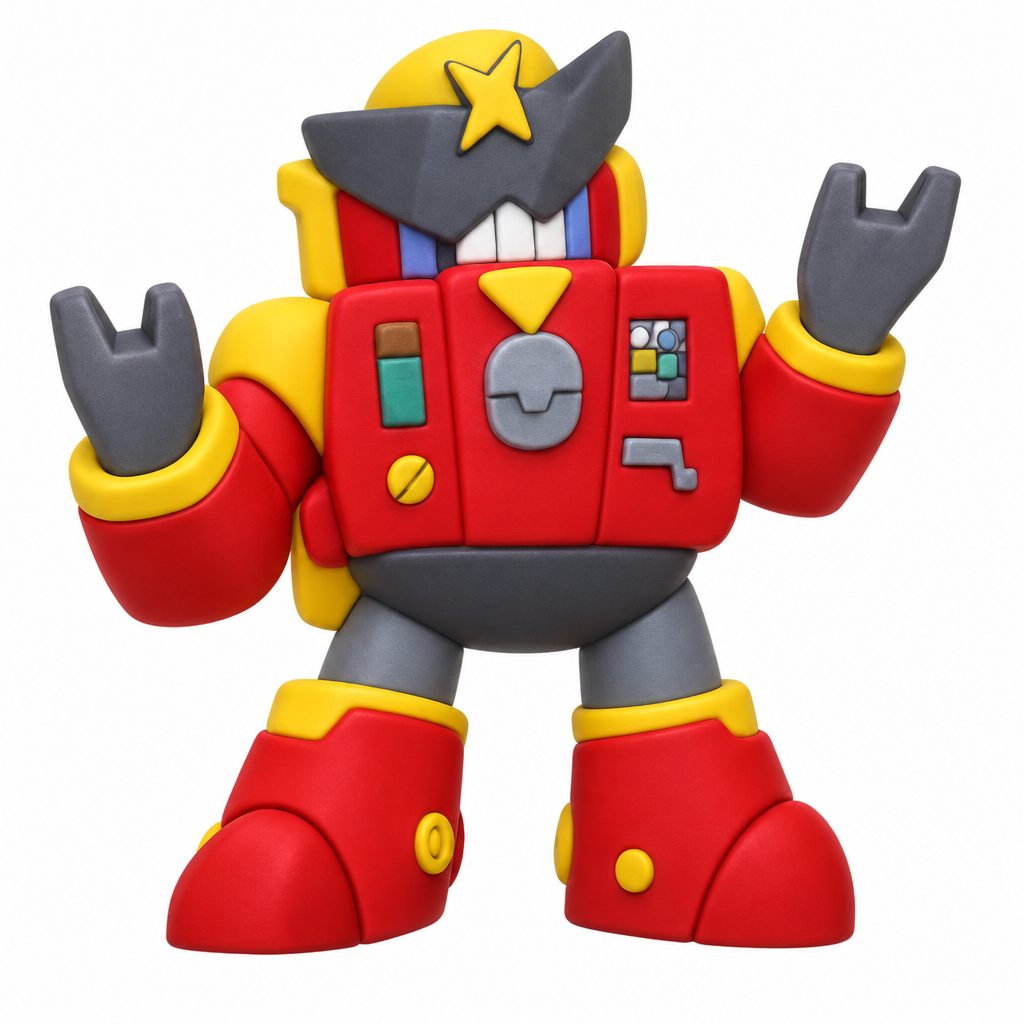
Approving a preview and checking that a design can be printed are separate steps. After checkout, Figura reviews the model’s geometry, scale and printability before printing.
Your approval confirms the design you chose
Before checkout, compare the image preview and the 3D model with your drawing. Check the shape, colours, face and small marks. Rotate the model to inspect the back and sides. Use the preview checklist if you are unsure what to look for.
A preview is a digital interpretation, not a photograph of a finished object. Colours, shapes and small details can differ during printing.
The workshop checks whether it can be made
The production review looks at the model’s geometry, scale and printability. A shape that looks right on screen still needs to work as a solid object. Thin parts and connections can need attention. If an adjustment is needed, we contact you before proceeding.
Shay Josef Castel is the industrial designer and workshop manager behind Figura. Meet Shay and read about his approach to turning a flat drawing into an object.
If you notice a detail after ordering
Contact Figura about your order as soon as possible. Include your order number and describe the detail; a screenshot with the area marked can make the question clearer. Once production review has started, changes may no longer be possible.
If you need it for a particular date
Ask us before ordering. Check the shipping options and final total at checkout, and explain the date you need when contacting us. Do not assume that approving a preview guarantees arrival by a birthday or other event.
Still deciding whether to order?
Compare the three sizes and prices, or follow the full process from upload to checkout. The drawing and order questions cover file requirements and other practical details.


